X₂O water filter: when to replace the primary and secondary filters and how
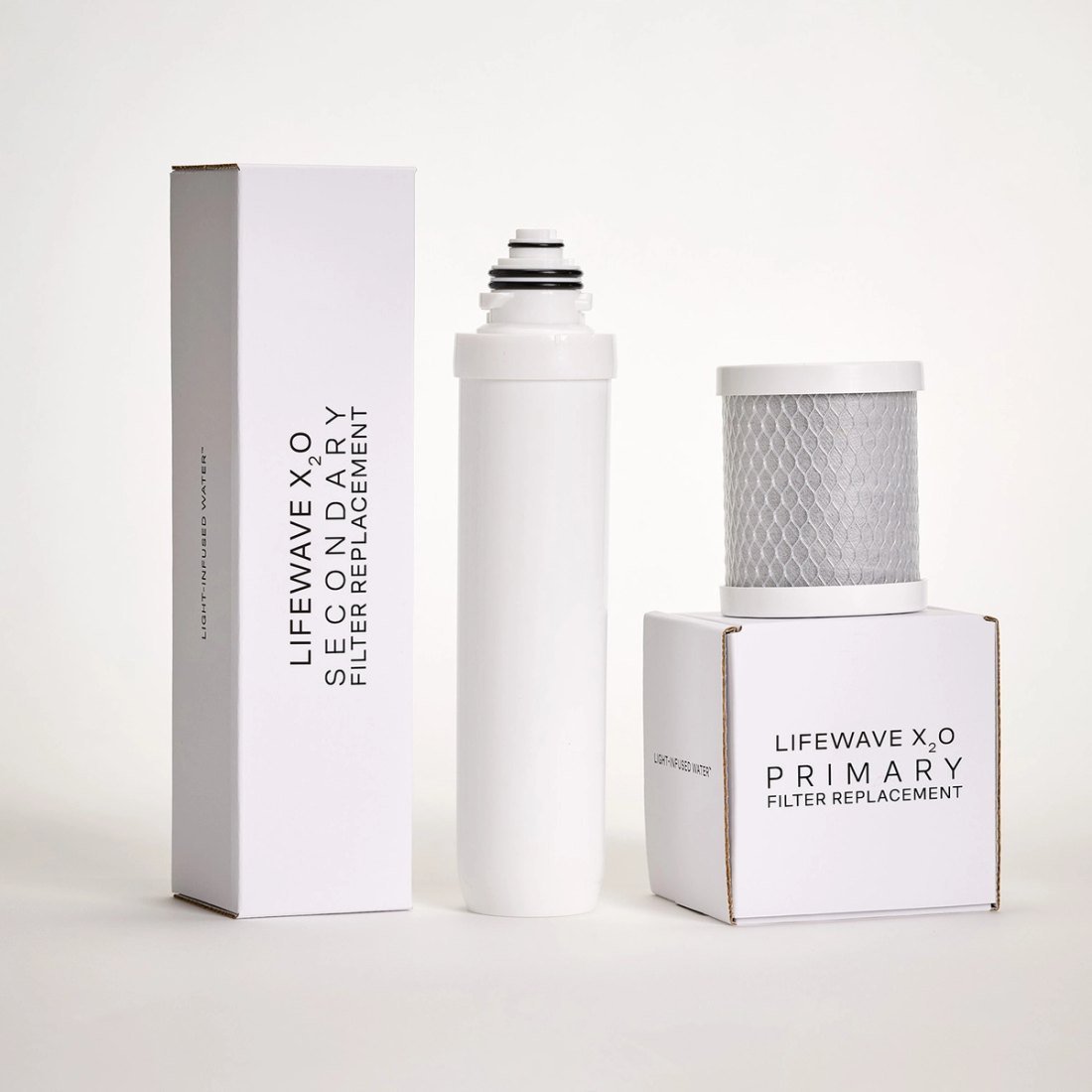
The LifeWave X₂O water filter system uses two filters with different jobs and different lifespans. Here is how they differ, when to replace them and how to swap them without tools.
The LifeWave X₂O system purifies water in two stages, and each stage has its own replaceable filter. To keep the water tasting good and the system working as intended, the filters need to be replaced on time.
How do the X₂O filters differ?
- The primary filter is the foundation of purification: it reduces a wide range of impurities in tap water. Lifespan — up to 6 months or about 950 liters.
- The secondary filter is the final stage: it improves the taste, clarity and softness of the water and enriches it with molecular hydrogen. Lifespan — up to 6 months or about 570 liters.
When should you replace the filters?
The guideline is every 6 months, or sooner if you use a lot of water: the secondary filter has a lower capacity in liters. It's convenient to replace both at once — that's what the replacement filter set is for: both filters in one package.
How to work out the replacement date for your household
Simple arithmetic helps you avoid missing a replacement. Over six months the secondary filter handles about 570 liters — roughly 3 liters (about 0.8 gallons) a day. The primary handles about 950 liters, or a little over 5 liters a day.
- If more than 3 liters a day go through the system (drinking, tea, cooking for the whole family), the secondary filter will run out before 6 months.
- If you're the only one drinking water from X₂O, you'll most likely go by time — 6 months.
- Put the replacement date in your phone calendar and set a reminder five months ahead — that leaves time to order new filters.
How much water a person needs per day is covered in “How much water do you really need to drink a day?”.
How to replace an X₂O filter
Replacement needs no tools and no technician: the installation itself takes a few minutes, and the rest of the time goes into flushing. Before you start, have the new filters and a towel at hand — a little water may remain in the compartment after draining.
- Drain the water, switch the system off and unplug it.
- Remove the compartment cover and replace the filter; make sure it's securely in place.
- Plug the system back in and run the flush cycle: “Flush Primary Filter” or “Flush Secondary Filter” — the cycle length for each filter is given in the system's instructions.
- If you're replacing both filters, flush both.
Common mistakes when replacing filters
- Replacing a filter without unplugging the system. Drain the water and disconnect the power first.
- Skipping the flush. The “Flush” cycle after installation is a required part of the replacement.
- Not securing the filter properly. Before closing the cover, check that it sits firmly.
- Replacing one filter and forgetting the other. If their dates have drifted apart, record the dates separately for each.
- Waiting until the last day. It's easier to keep a spare set at home so you're never left without filters.
How the system itself works and what Light-Infused Water is — see “LifeWave X₂O”.